Skip to content

Digitising a shoebox of slides: speed against fidelity

Five hundred slides is where this decision is made. At two seconds a frame the box is finished in an afternoon; at a minute a frame it is never finished at all. These four are ordered by that reality — fastest and standalone first, archival and computer-bound last — and the figures below are the ones each listing actually publishes, including the two that publish resolution on scales that cannot be compared with one another.

Five hundred slides is where this is decided

At two seconds a frame the box is finished in an afternoon. At a minute a frame it is a project, and a project that is never finished digitises nothing. Speed is the specification that decides the outcome, and exactly one machine on this shelf publishes it as an absolute figure.

Two scales that cannot be converted

Three of these publish dots per inch and three publish a sensor in megapixels. Dpi says what the optics resolve across the film; megapixels count the pixels in the file, which can be interpolated upward without adding a single detail. One page here separates its optical figure from its interpolated one, and that distinction is the honest one.

Every speck arrives in the file

Film holds dust electrostatically. One machine on this shelf maps it with an infrared pass and subtracts it, because film dye is transparent to infrared and dust is not. One supplies a brush. The rest leave the work to a retouching cursor afterwards, one frame at a time.

Standalone, or tethered to a computer

Four of these write JPEGs to a memory card with a screen on the body, which is what lets the job happen at a kitchen table. The archival machine needs a computer, takes 35 mm only, and hands back a file worth keeping for fifty years.

What a shoebox actually needs

For images destined for a screen and a family album, a fast standalone box at a modest resolution is the right answer. For negatives that will be printed large or never scanned again, it is the wrong one.

What goes in the bag, and why

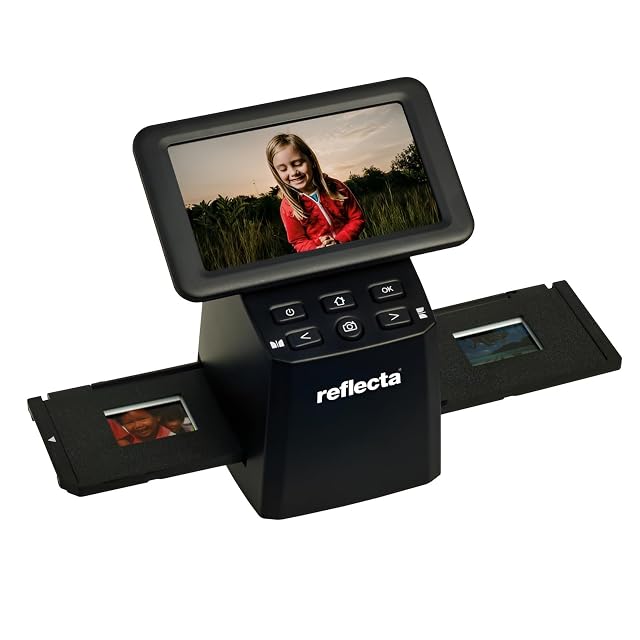
  1. Reflecta x33-Scan, 15.3 MP CMOS, under 2 seconds, 365 g

    RESOLUTION AS A SENSOR: 15.3 MP CMOS, no dpi figure published · 135 film, slides and black-and-white, with 110 and 126 OPTIONAL · holders not itemised, the optional formats implying extra ones · bit depth NOT published · dust removal NOT described; IET technology is named for automatic COLOUR and CONTRAST correction, which is a different job · JPEG to SD or SDHC up to 128 GB · SCAN SPEED PUBLISHED: under two seconds a frame, the only figure on this shelf · a 5-inch IPS screen · standalone, no PC required · 365 g

    Under two seconds a frame — the only scan speed published here — from a 15.3 MP standalone scanner with a 5-inch screen, at 365 g.

    Best for: A large box of 35 mm slides and negatives that has to be got through in one sitting, on the table, with no computer.

    ≈ 130 €
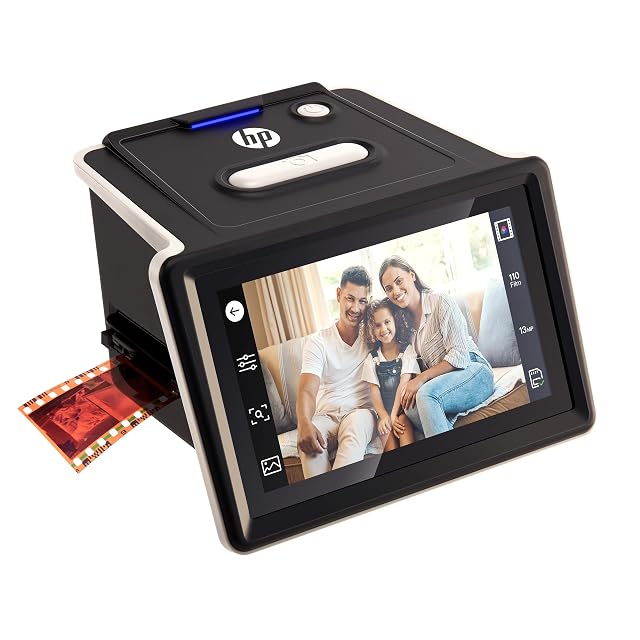
  2. HP FilmScan, 22 MP, 135, 110 and 126, touchscreen

    RESOLUTION AS A SENSOR: 22 MP JPEG output, no dpi figure published · 135 — 35 mm — plus 110 AND 126 film, colour and black-and-white negatives and positive slides, all INCLUDED rather than optional · SLIDE FRAMES AND FILM ADAPTERS SUPPLIED, plus a CLEANING BRUSH · bit depth NOT published · dust removal by the SUPPLIED BRUSH — mechanical, not infrared · JPEG · scan speed NOT published · a 5-inch LCD TOUCHSCREEN with gallery view, usable as a digital picture frame · a quick-loading tray for continuous import · automatic cropping with manual correction · slides must be in standard 50 mm mounts

    Twenty-two megapixels, a 5-inch touchscreen, three film formats included and a cleaning brush in the box — the most completely equipped scanner here at 195 €.

    Best for: A household box holding several film formats at once, digitised by someone who wants the whole kit — adapters, brush and screen — in one purchase.

    ≈ $220 / £175 / 195 €

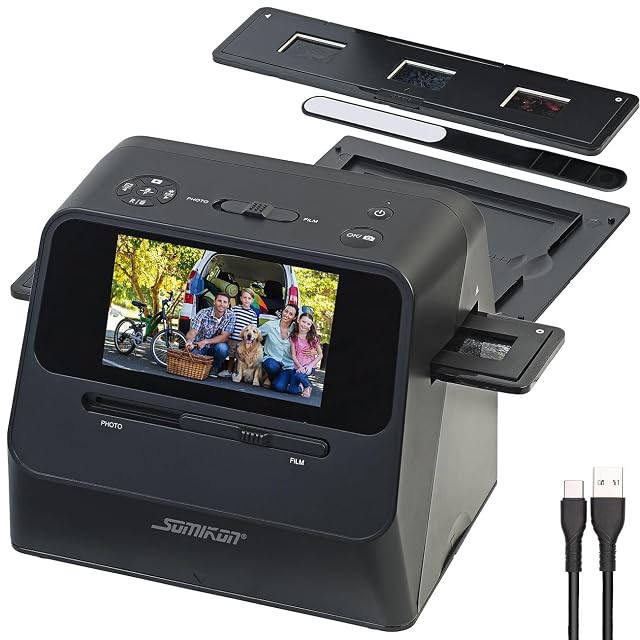
  3. Somikon SD-1700, 3200 dpi film, 700 dpi photo, 1.1 kg

    TWO OPTICAL FIGURES PUBLISHED: 3200 dpi for film, 700 dpi for prints · 135 negatives, slides mounted and unmounted at 5 by 5 cm, AND loose photographs at 9 by 13 and 10 by 15 cm; 110 and 126 need holders SOLD SEPARATELY · THREE HOLDERS SUPPLIED — slide, negative, and a base plate with a photo holder · 14 MP CMOS sensor, INTERPOLATED to 22 MP, with the distinction stated · bit depth NOT published · NO dust removal; a cleaning brush is supplied · JPEG to an SD or SDHC card up to 32 GB, card not included · SCAN SPEED PUBLISHED: about 15 frames a minute, with a 0.5-second preview · 3 white LEDs for negatives, 24 for prints · a 5-inch IPS screen, an HDMI OUTPUT to a television, a battery · 20.9 by 18.2 by 16.2 cm, 1.1 kg with battery

    The only scanner here that publishes a dpi figure for film and another for prints — 3200 and 700 — with three holders, an HDMI output and a battery.

    Best for: A mixed archive — negatives, loose prints, album pages and cuttings — where the album cannot be taken apart.

    ≈ 242 €

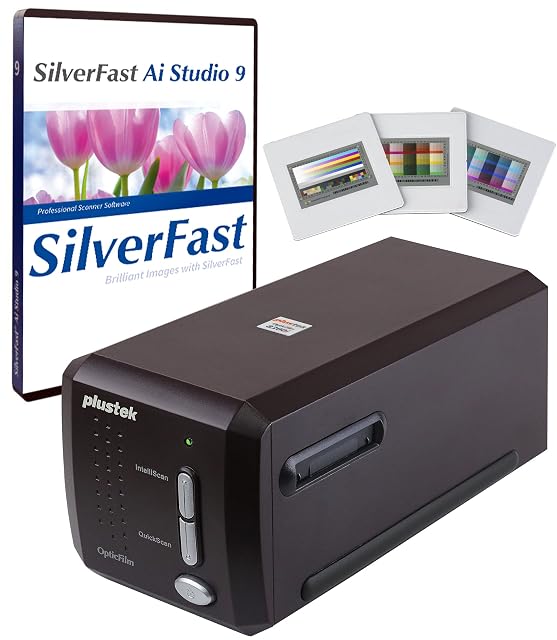
  4. Plustek OpticFilm 8300i Ai, 7200 dpi, infrared dust removal

    OPTICAL RESOLUTION 7200 dpi — four times the next figure on this shelf · 35 mm film and slides · holders not itemised · bit depth not published as a number, but SilverFast 9 is credited with a 16-BIT HISTOGRAM · DUST REMOVAL BY INFRARED: iSRD, the only true infrared channel on this shelf · output formats not listed; SilverFast 9 Ai Studio and Plustek QuickScan Plus supplied · scan speed described as 38 PER CENT FASTER than the previous model, with no absolute figure · REQUIRES A COMPUTER: Windows 7 to 11, Mac OS 10.13 to 12.x · an ADVANCED IT8 COLOUR TARGET on 3 slides, ISO 12641-2 compliant, valued at 99 dollars on the page · multi-exposure, HDRi and NegaFix named

    Seven thousand two hundred dpi with a true infrared dust channel, SilverFast 9 Ai Studio and an ISO-compliant IT8 calibration target — the only scanner here built for archival work.

    Best for: An archive of 35 mm negatives that has to be digitised once, properly, with colour that can be trusted and dust that does not have to be painted out.

    ≈ $539 / 559 €

What people ask before they commit

Is dpi or megapixels the figure to compare?

Dpi, and half this shelf does not publish it. Dots per inch says what the optics resolve across the film; megapixels count the pixels in the file, which can be interpolated upward without adding detail. Where a page gives only a sensor figure, the write-up says so — and where a page gives both an optical and an interpolated number, that distinction is the honest one.

How much does dust actually cost?

A pass per frame, by hand. Film holds dust electrostatically and every speck becomes a mark. One machine on this shelf removes it with an infrared channel that maps the defects and subtracts them; one supplies a brush; the rest offer nothing, and the work moves to a retouching cursor afterwards.

Do I need to scan at the highest resolution available?

Only if the negative holds that much. Fine-grained slide film resolves somewhere below 7200 dpi, so scanning above it guarantees the scanner is not the limit — at the cost of minutes per frame and very large files. For a shoebox destined for a screen, a fast machine at a modest resolution finishes the job.

Each amount in a write-up is what the listing showed when that page was written. The figure next to the product is pulled in as you read, and it is the one that counts.

The tool we use ourselves

Settled on a lens? Now buy it at the right price.

Bodies, lenses and lighting are marked down almost continuously, and a struck-through figure says nothing by itself about what the same reference was actually asking a month ago. UniverTrack holds the week-by-week record of every retailer, so a reduction is measured against a price that genuinely stood rather than one written for the banner — and it says when the moment to buy has really arrived.

Real price historyBuy-now alertsAI buying assistant
Try free for 14 days →
No commitment · Cancel in one click · 5 languages