Take-off weight decides which rules apply to you, before anything else · review
RELIDOL PK01 Screen Drone review
A beginner drone with a screen built into its controller, brushless motors, propeller guards and two batteries for about $60. It has no GPS, and the SD card is not included.
The PK01’s controller has its own screen, so a child can fly without a phone. Brushless motors are rare at this price and make it stronger and quieter than most toy drones.
Plenty of tricks
One-key takeoff and landing, headless mode, 360° and 3D flips, waypoints, circle fly and voice commands are all listed. Some need the app.
Know its limits
There is no GPS, so it cannot hold position or fly home on its own. The product table gives a 30-meter range and 2 MP stills. The 1080p camera is fine for fun, not for aerial photography.
Safety features
Four propeller guards, an emergency stop, a child lock and a low-battery alarm make it a sensible first drone for a child, with an adult nearby.
What it does well, and what it gives up
Strengths
Screen on the controller at about $60
Brushless motors, unusual at this price
Propeller guards and an emergency stop
More than 1,000 ratings at 4.3 stars
Compromises
No GPS: it drifts with the wind
Range of 30 m (98 ft) in the product table
Stills are 2 MP, per the product table
Specifications
Camera
1080p HD, tilting through 80°
Screen
Built into the controller; app control is also offered
Motors
Brushless
Flight time
25 minutes with the two included batteries, claimed
Tricks
360° flips, 3D flips, waypoints, circle fly, gesture photos, voice commands
Safety
Emergency stop, child lock, low-power alarm, four propeller guards
Range
30 m (98 ft), per the product table
Storage
SD card required, not included
Amazon reference
B0FYPWRFWF
EAN
6977254905983
What people ask before they commit
Does the PK01 have GPS?
No GPS is listed. It holds altitude, but wind will push it, so fly it in calm weather and open space.
Do I need a memory card?
Yes. The seller says an SD card is required to save photos and videos and is not included.
How do I connect my phone?
The listing walks through it: power off the remote, turn on the drone, then join the PK01DRONE Wi-Fi network in the app.
Where this one places on its bench
At $60, it is the 1 cheapest of the 6 models in this category published here.
Cheapest on the bench$60
Median$220
Dearest on the bench$389
Our score
7.8/ 10
A good-value trainer with a screen controller and brushless motors. It has no GPS, so treat it as a learning tool, not a camera drone.
This one against the other photo equipment
photo equipment from the same category, at nearby prices. Only what all of them publish is shown: a column with holes compares nothing.
Model
Price
Flight time
Range
RELIDOL PK01 Screen Drone
$60
25 minutes with the two included batteries, claimed
Highest Flight time in the table: YIKKEON C20 Gimbal Drone (Up to 90 minutes with three batteries, claimed).
The price on Amazon.com
This model is listed on Amazon.com, at ≈ $60 at the last reading. Listed is not the same as in stock: availability changes daily, and the buy box shows the live price.
Details checked on November 2, 2026.
What use this one answers, among photo equipment
A child or beginner learning to fly in a yard or a park on a calm day.
What buyers actually choose
Amazon reports what buyers took in the month before this page was last checked: at least 1,000.
The figure is a floor, rounded by Amazon, and read through Keepa — it says what buyers picked, not what a maker claims.
Sources
Specifications: the manufacturer sheet for photo equipment and the matching Amazon product page. Prices and availability: Keepa. Every figure on this page names its source.
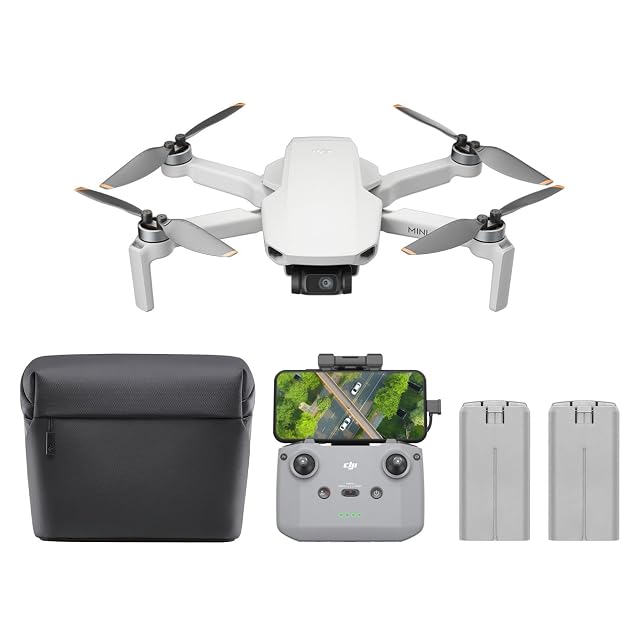
Under 249 g · 4K UHD · 3-axis gimbal · 10 km (32,800 ft) video link · level 5 wind resistance · GPS return · two batteries, 62 min total claimed · RC-N1C
A sub-249-gram drone with a 3-axis gimbal, 4K video, GPS return and a 10 km video link. This combo includes two batteries and the RC-N1C controller for about $389.
Best for: A first serious camera drone for travel and landscapes, from a buyer who wants DJI’s gimbal and range.
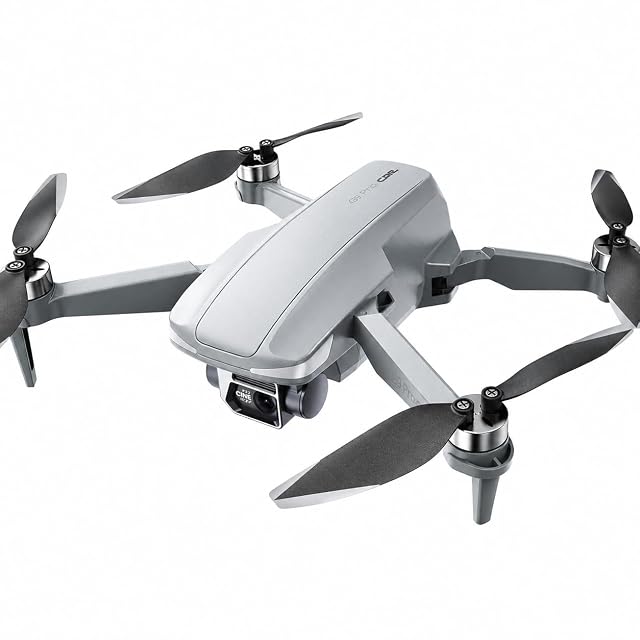
4K with EIS · GPS return · 4.5-inch screen on the controller · 32 GB card fitted · three batteries, 30 min each claimed · 3,280 ft range claimed · under 249 g
A budget GPS drone with a screen built into its controller, three batteries and a 32 GB card already fitted, at about $140. Its 3.5-star average on 1,361 ratings is the lowest on this shelf.
Best for: A first GPS drone for a buyer who wants a dedicated screen and accepts mixed owner reviews.
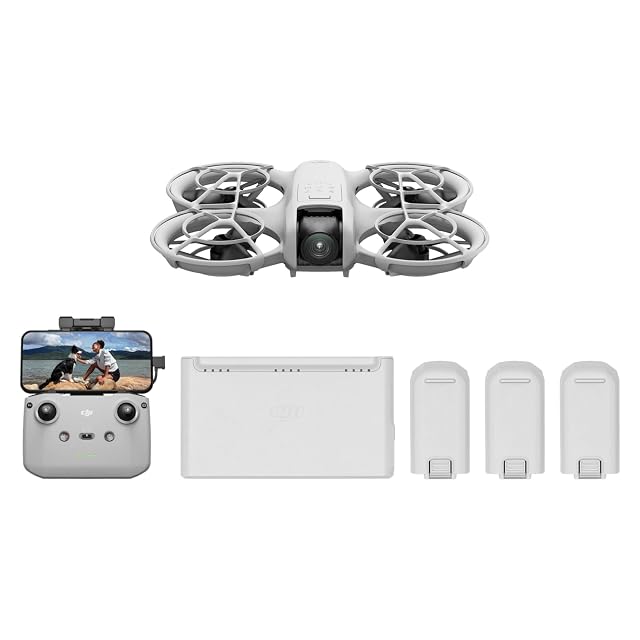
135 g · 4K UHD · palm takeoff and landing · subject tracking and QuickShots · voice, app or RC-N3 control · full propeller guards · three batteries
DJI’s 135-gram selfie drone takes off from your palm, follows you and records 4K. The Fly More Combo adds the RC-N3 controller, three batteries and a two-way charging hub for about $295.
Best for: Vloggers, hikers and families who want a drone that follows them and launches from a hand.
Each amount in a write-up is what the listing showed when that page was written. The figure next to the product is pulled in as you read, and it is the one that counts.